00 — About this page
Design System
The pieces this template is built from, in one place. When you add a page — an exhibitions list, a press page, a series — build it from what is here: the colours, the text styles, the links and buttons, and the cards further down. The one-off pieces (the infinite canvas, the image rotator, the project strip) are not on this page on purpose; they belong to their own pages.
House rules
— Paper ground, Ink type. Bottle Green is the only accent, and only on the main action.
— Hairlines, not boxes. Separate things with a 1 px Hairline rule or with space — no shadows, no tinted panels.
— Small, quiet type. Inter at 10–13 px does nearly all the work; the Grand Hotel script is for the name only.
— Labels are tiny capitals in Grey. They name a group; the value underneath is Body in Ink.
— Photographs carry the colour. Keep them square-cornered and uncropped by decoration.
— Margins: 32 px on desktop, 16 px on phones. Split wide layouts in two halves, like an open book.
— Only the dark Charcoal boxes named “Backdrop” are display aids: white header text is shown on them so it can be seen, and on the site it has no box. Green fills are different — the Bottle Green on Get In Touch and Send is the real button.
01 — Colour
Paper and Ink do almost everything; Bottle Green is the one accent. Use the colour styles, never typed hex values, so a buyer can re-colour the whole site from the Assets panel.
Base
Paper
#F7F6F3
Page ground, panels, bars
Ink
#111111
Text, icons, focus lines
Grey
#9A9A9A
Labels, secondary text
Hairline
#E4E2DD
Rules, borders, input lines
Mid Grey
#6E6E6E
Captions under photos
Accent
Bottle Green
#1F3A2C
The main action: Get In Touch, Send
Bottle Green Dark
#2B4D3B
Hover and pressed state of the accent
Utility
White
#FFFFFF
Header type — the header inverts over photos
Charcoal
#2B2B2B
Placeholder while a photo loads
Transparency
Overlay panels are Paper at 97–98 %; the header’s phone background strip, the top bars on the Project Index and project pages, and the pills are Paper at 55 % with a 10 px background blur. These stay plain values on purpose — a colour style can’t carry its own opacity.
02 — Typography
Two families. Inter for everything you read; Grand Hotel only for the name. Always apply a text style — a new page should not introduce new sizes.
Sizes stay small on purpose: the photographs are the loud part of the page.
Only the dark Charcoal boxes named “Backdrop” are display aids, there so white text can be seen on Paper — the header, its links and the name have no box on the site. The Bottle Green fill on buttons is real: Get In Touch and Send are filled buttons.
Text styles
Name
Grand Hotel 40 / 1.1, −0.3 px
Ilse Marlow
The artist’s name and page titles. One per page.
Logo
Grand Hotel 26 / 1, White
Ilse Marlow
The name in the header. White, because the header inverts over photos. The dark box is only a backdrop — the real name has none.
Body
Inter 13 / 1.55, −0.02 em
Photographs of water, cities and people at rest, made slowly on film and on foot.
Paragraphs, list titles, form text.
Body Small
Inter 11 / 1.55, Ink
Silver gelatin print, 40 × 50 cm, edition of 5.
Dense supporting text, details under a title.
Body Small Grey
Inter 11 / 1.55, Grey
Lakes & coasts · March 2026
Secondary lines: place, date, notes.
Body Grey
Inter 13 / 1.55, Grey · 14 from 1920
A sentence or two of quiet explanation, like the notes under the headings in this page’s index columns.
Explanations beside something else. Not for place, date or meta lines — those stay Body Small Grey.
List Grey
Inter 12 / 1.55, Grey · 13 from 1920
Lakes & coasts
The second line of a list row — the place under a project in the Projects list. One size up from Body Small Grey, for sentence case in a list.
Small Sans
Inter 13 / 1.3, Grey
Drag to explore
Quiet UI text and hints.
Label
Inter 10 / 1.2, 2 px, caps, Grey
Based in
Names a group. Always above or beside a value, never alone.
Caption
Inter 11 / 1.3, Mid Grey
Still Water, 03 — Lakes & coasts, 2026
Under photographs.
Caption Grey
Inter 11 / 1.3, Grey
Template v1
Lighter captions and metadata.
Button
Inter 500 13 / 1, Paper
Labels inside filled buttons — shown here on a real Send Button. Use the Pixel Button or Send Button (04 Buttons) rather than styling a new one.
Nav
Inter 13 / 1.2, White
Projects Info Contact
Header navigation. White, like Logo. The dark box is only a backdrop — the real links have none.
03 — Links
Links are text with a link style, not buttons. Ink Link inside text, Quiet Link for secondary navigation, Nav Link in the header.
Hover is quiet: an underline or a shift from Grey to Ink. On phones the hover look is switched off by the site’s custom code.
Only the dark Charcoal boxes named “Backdrop” are display aids, there so white text can be seen on Paper — the header, its links and the name have no box on the site. The Bottle Green fill on buttons is real: Get In Touch and Send are filled buttons.
Link styles
Ink Link
Ink → underline on hover
Email addresses and links inside a paragraph.
Quiet Link
Grey → Ink on hover
Secondary links: back links, “all projects”, footers.
Nav Link
White, underline 1 px at 6 px on hover, 1.5 px on the current page
Header navigation only (the header uses a difference blend). The dark box is only a backdrop — no box on the site.
Logo Link
White, no change on hover
The name in the header, linking home. The dark box is only a backdrop — no box on the site.
04 — Buttons
One filled button per screen, in Bottle Green, full width of its column, 40 px tall, 4 px radius. Everything else is a text link. On a page taller than the screen it can stay pinned to the bottom (Sticky, bottom 0) on a soft Paper fade, as Get In Touch on /info.
Get In Touch is the Pixel Button code component (the hover fills in pixel by pixel). Send Button is a normal component with form states.
Buttons are the only things with a fill: Bottle Green, 4 px radius. That fill is part of the design — keep it.
Pixel Button — main action
Label, link and colours are set per instance. Link it to a page, or attach an overlay to it (the Get in touch form on /info). Pixel Color must stay a plain colour (#2B4D3B), not a colour style — the pixels are painted on a canvas, which can’t read colour styles and paints black.
Send Button — form submit, with states
Default
Disabled
Loading
Success
Error
Hover and pressed are built in (fill turns Bottle Green Dark, the shadow grows on hover and drops on press). Pick the form states in the form’s settings: Loading = pending, Success, Error.
Text button — close, dismiss, secondary
Overlay Bar
The Overlay Bar: Label on the left, “Close ✕” on the right, a 1 px Ink line under Close on hover. Put it at the top of any overlay and set On Close to Dismiss Overlay.
Back to Canvas — “← Canvas” in the header
The way back to the home canvas from any other page: the Back Link component (Label, Link), a plain link with NO box or fill — the dark box here is only a backdrop so the white text can be seen. The ← is a vector (not a typed character, which the site’s font lacks), centred on the word by the row itself. Variants: Pointer (a 1 px underline on hover; Desktop, Laptop, Large) and Touch (never underlined; Tablet, Phone), each in White and in Ink. It lives in the Site Layout header next to the name; turn it on or off per page with the page setting Back on Header (Logo on Header does the same for the name). White because the header uses a difference blend — over Paper it reads dark, over a photo it inverts. /404 uses the Ink variants.
05 — Form fields
Fields are a Label over a borderless input with a 1 px Hairline underline that turns Ink when focused. No boxes, no fills.
Start a new form from Insert → Form in Framer, then copy this look. The site’s own contact form is the Contact Form component, shared by both Get in touch overlays; its Send To is set once, in that form’s settings panel.
Name
Your name
you@example.com
Message
A few words about what you have in mind
06 — Icons
Phosphor icons, regular weight, stroke 1.25, 18 px inside a 20 px frame, Ink. Hover fades to 55 %.
Social Icon is a component: pick the variant (Instagram, LinkedIn) and paste the link. Use the Touch variants on Tablet and Phone — they have no hover.
07 — Imagery
The photographs are the colour of the site. Show them whole, square-cornered, with nothing laid over them except the header.
The photo components apply a Look (default Black & White). With Colour on Hover on, a photo shows its real colours under the pointer (desktop only). On a plain image frame, set Grayscale 100 % to match; plain frames stay grey.
From the Projects collection

Still Water, 2026
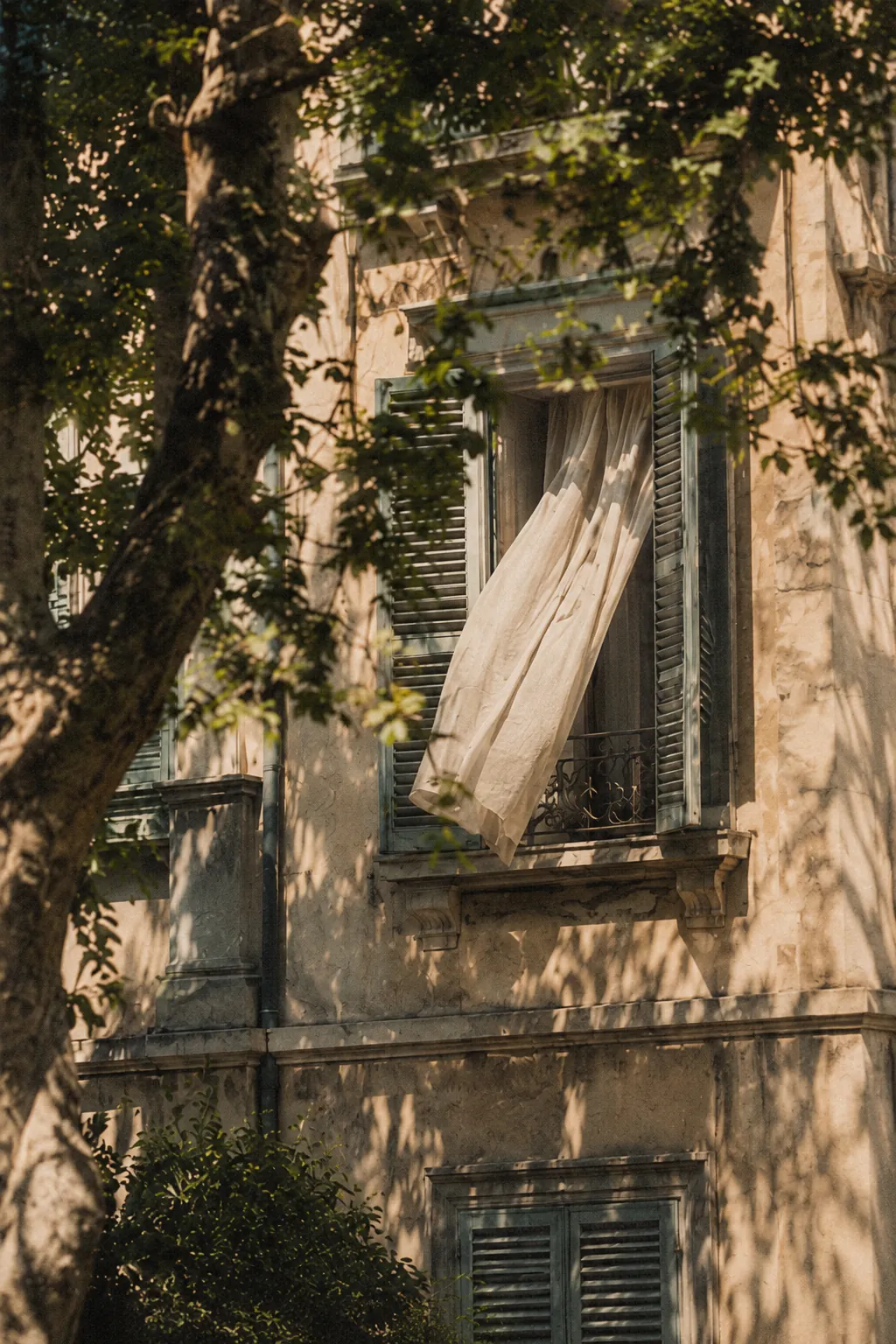
City, 2023

Alentejo, 2024

Figures, 2025
Rules
— Upload photos at display size (long edge ~2000 px) — the image CDN resizes from there.
— Captions sit under the photo in Caption: title, then place and year. Numbers like 01 / 08 in Caption Grey.
— Placeholder colour while loading is Charcoal; never a grey box with an icon.
— Alt text on every photo: what is in the picture, not the file name.
08 — Cards
Five small components for new pages. Change the look in the component and every copy follows; set only the content (image, words, link) on each copy.
There are no card boxes: a card is a photo with text under it, or a row on a hairline.
Long text: the title and meta under a photo (Project Card, the home canvas captions) stay on one line and end with “…”. List Rows, Details, Note Cards and Figure captions wrap onto more lines. Text from the CMS is always set to fill width, never auto.
Project Card — image, title, meta, link
List Row — year, title, place, link (hover: title steps in 4 px, line turns Ink)
Detail — label over value
Based in
Lisbon, Portugal
Available
Commissions from spring 2027
Note Card — the one boxed card, for side notes
Commissions
Available for editorial and architectural commissions from spring 2027. Prints of every series can be ordered by email.
Figure — wide photo with numbered caption
01
Alentejo, May 2024 — late light over the plain.
09 — Patterns
How the pieces combine into sections. Copy a pattern, then swap the content.
Every section: Label on the left half, content on the right half, a Hairline above, 56 px top and 96 px bottom padding — exactly like this page.
Selected work — Project Cards in a 3-column grid, gap 18 / 12
Exhibitions — List Rows under a Label
About — a spread: photo on one half, name, text and Details on the other
Ilse Marlow
Photographer in Lisbon. Long series, made slowly, mostly on film.
Contact
studio@ilsemarlow.com
Based in
Lisbon, Portugal
Extra pages — the More list in the header
New pages are never added to the header. Each one gets a row in the More overlay (Site Layout → More): a List Row with its number, title, a short description and a Link to the page. Show More Menu switches the More button on per page.
10 — Tickers, galleries and quotes
Moving and scrolling pieces, all built with Framer’s own tools: the ticker effect, the Carousel and the Slideshow. They are seasoning. Use them only when the page’s content asks for one, never all on one page, and never as the page’s main content.
At most one ticker per page. Galleries and slideshows only where a series should be looked at in order.
Text ticker — places shown
Galeria Silo, Lisbon
·
Casa da Luz, Porto
·
Haus der Bilder, Vienna
·
Sala Branca, Évora
·
Kunstraum am Hafen, Hamburg
·
Espaço Norte, Braga
·
Exhibitions, venues, cities. Body in Ink, names separated by a grey dot, Hairline rules above and below. Speed 30, slows to 40 % on hover.
Client ticker — commissioned by
Atlas Quarterly
Casa Norte Editions
The Slow Review
Studio Maré
Lumen Architects
Field Notes Magazine
Magazines, publishers and studios the artist has worked for. Names in Label capitals, wide spacing, moving the other way and slower. Text only: no logos.
Photo ticker
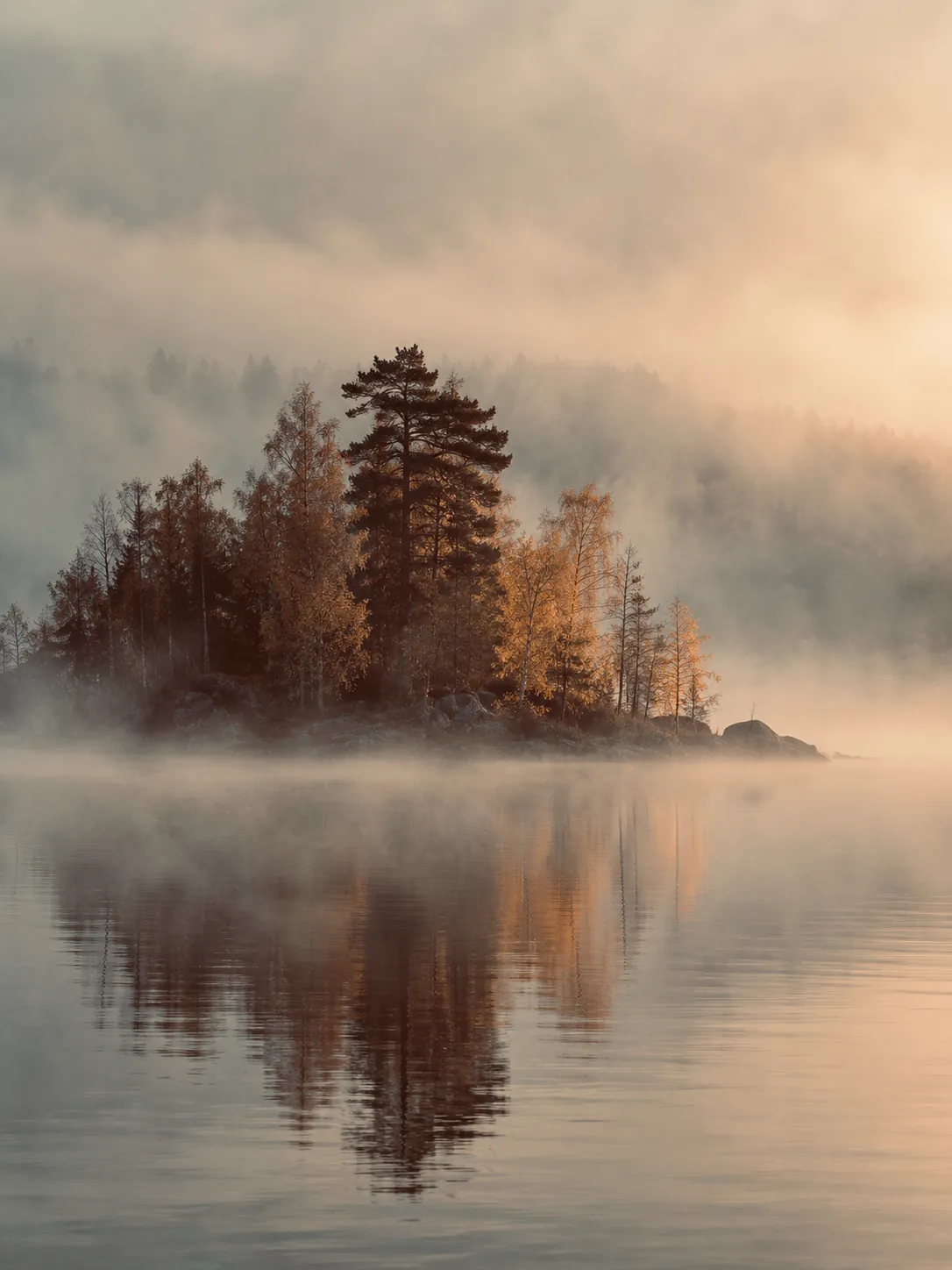


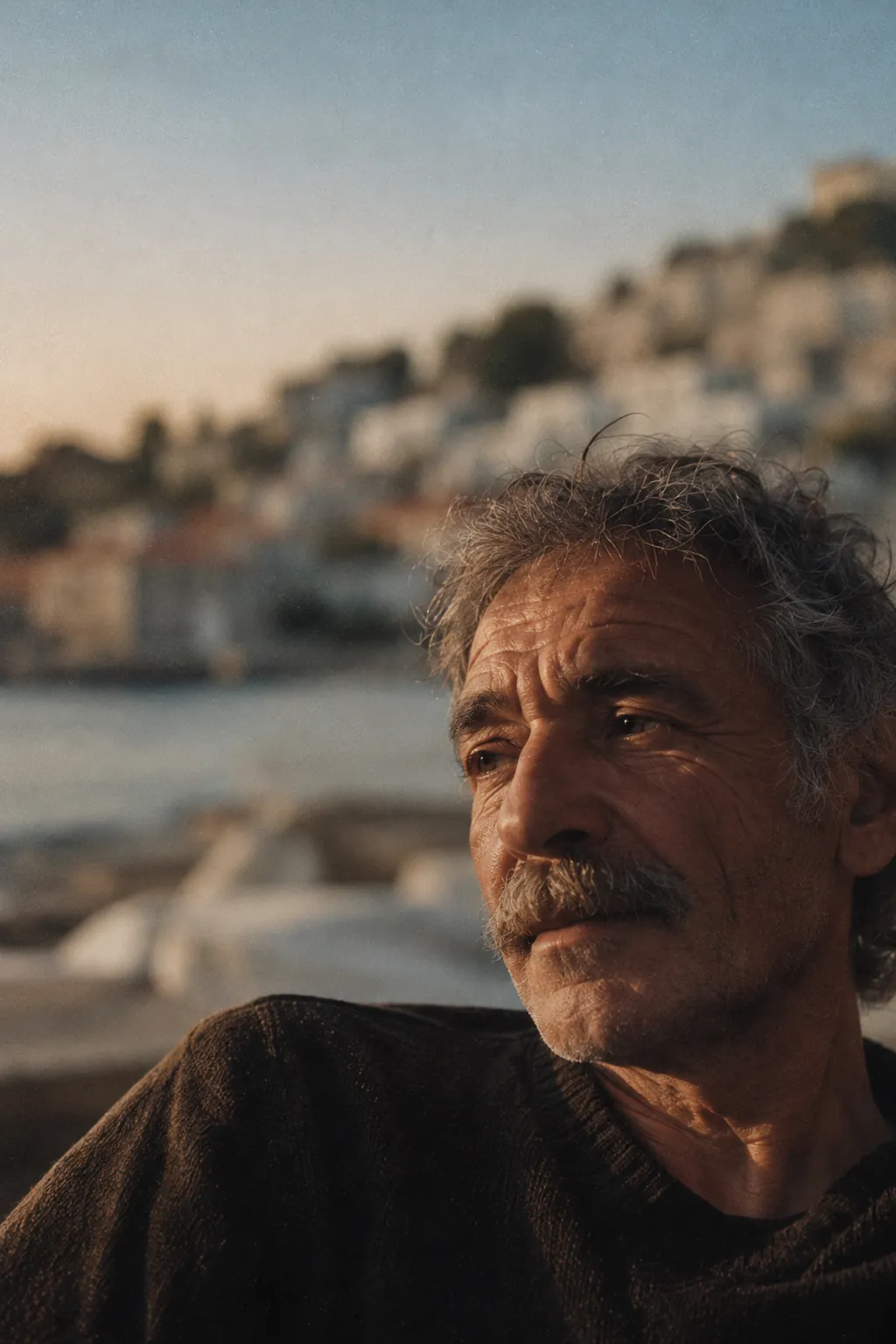

A quiet moving band of small photographs between sections. 160 px tall, black and white, 12 px apart, speed 20. Never the only place a photograph appears.
Gallery — scroll across (Framer Carousel)
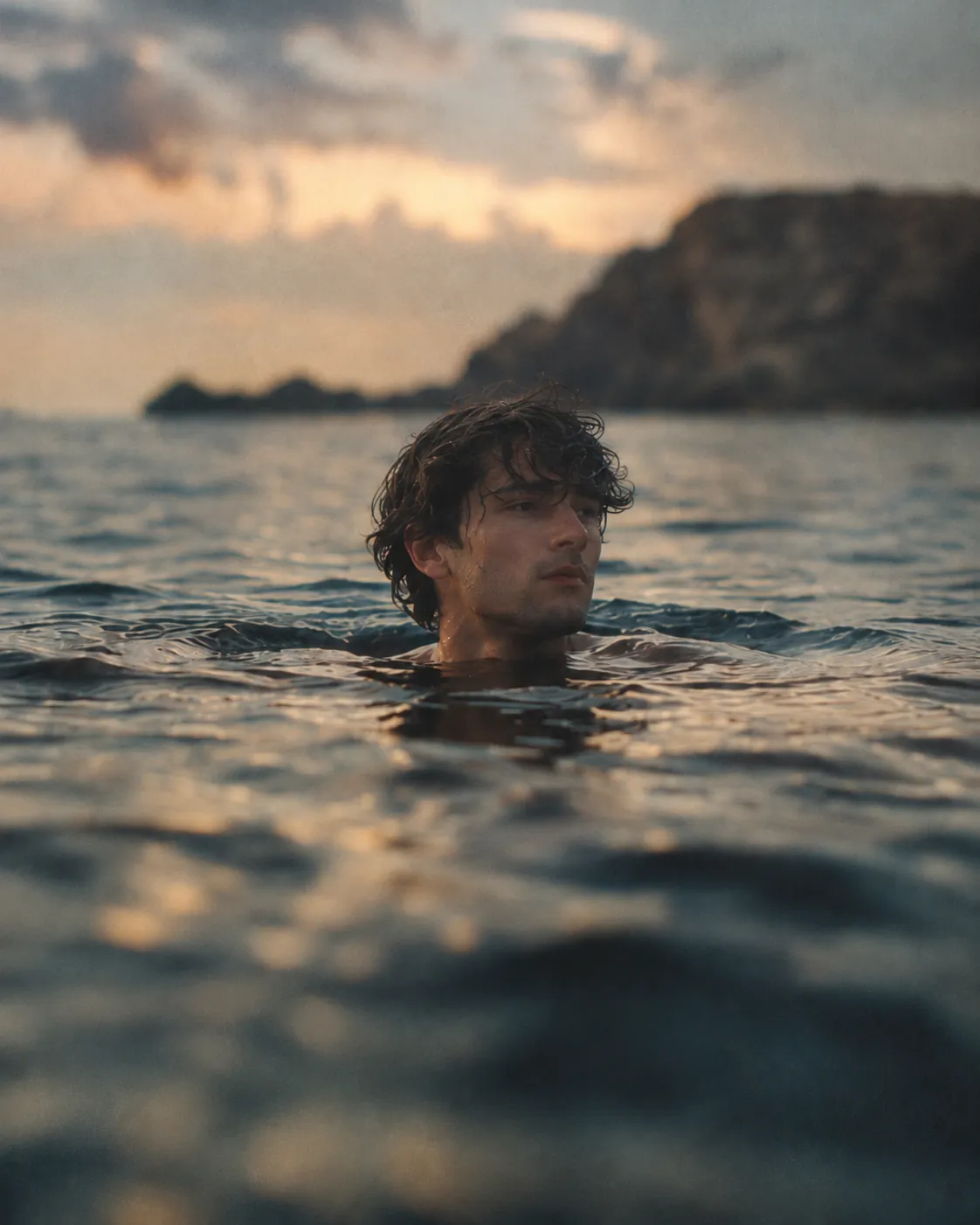


A series to browse in order: larger photographs in a row, scrolled with trackpad, drag or swipe, snapping to each. 480 px tall, 24 px apart, captions under each photo.
Slideshow (Framer Slideshow)
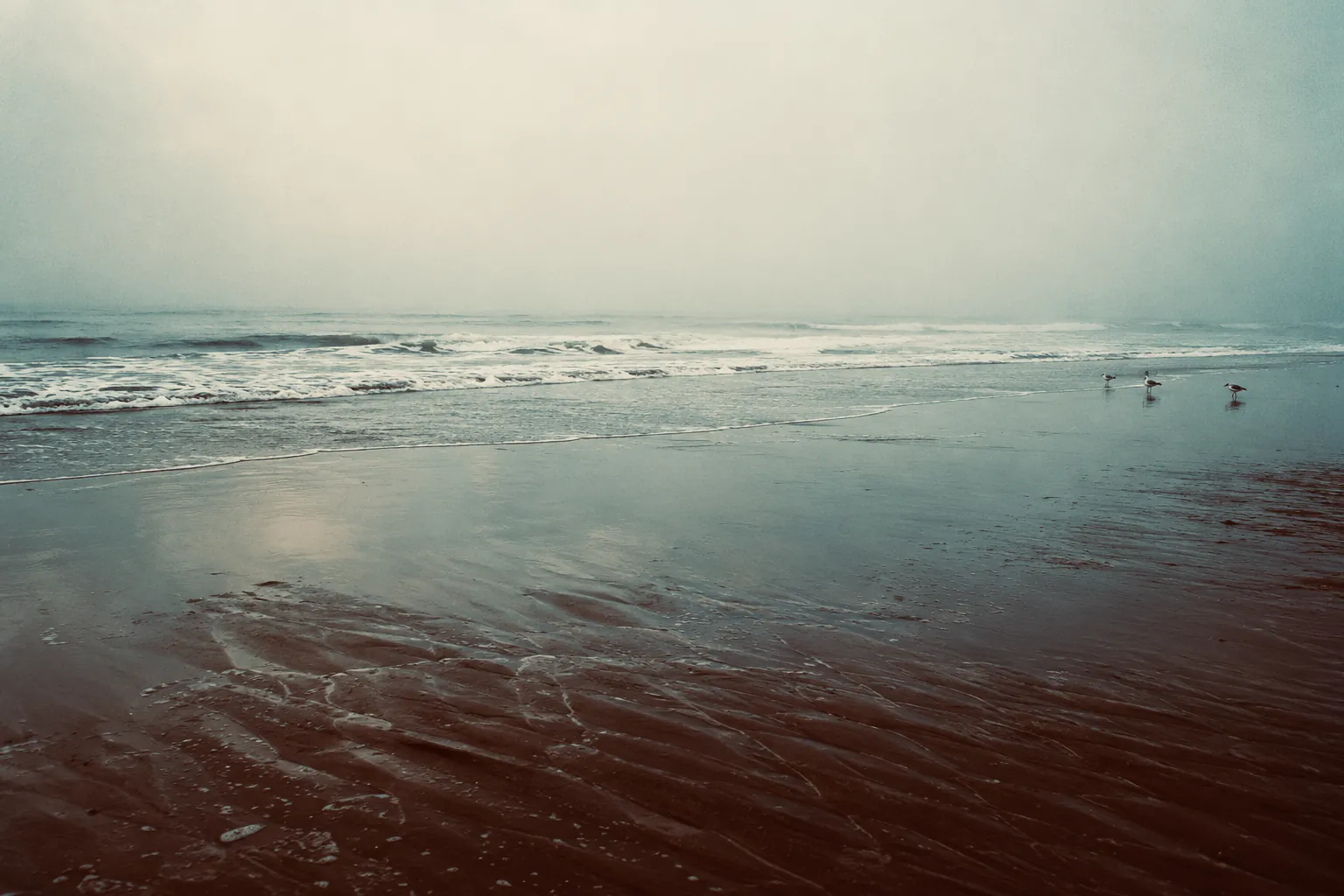


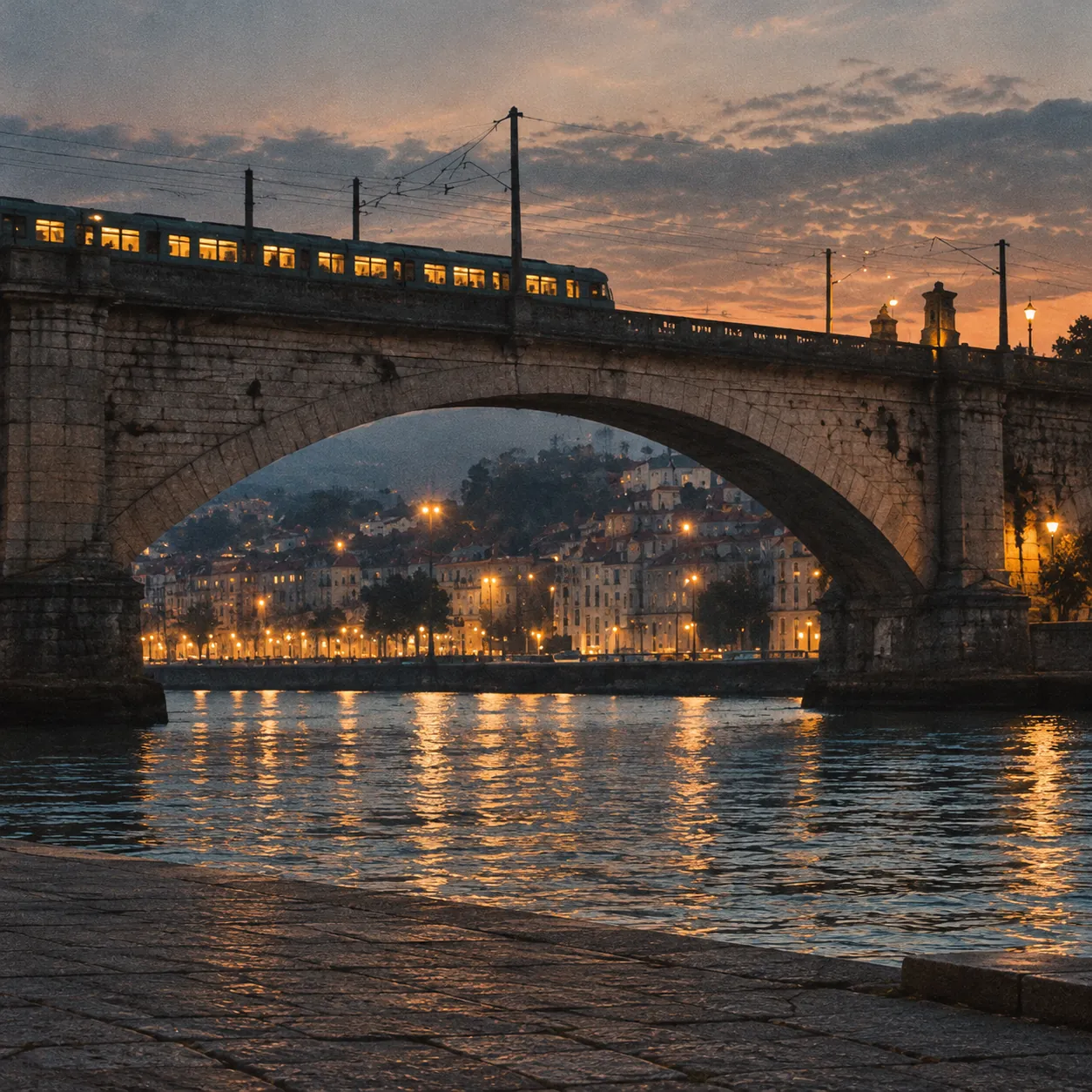

One photograph at a time, changing every 4 seconds; visitors can drag to the next. Use for an opening image or a short sequence, five to eight photographs. Same height everywhere it appears.
Quote Card — words from a gallery, editor or client
“Ilse photographed our harbour as if she had been sent by the tide. Every print was ready to hang the day it arrived.”
Marta Reis
Director, Galeria Silo
“We commissioned twelve photographs for a book and received thirteen. The extra one became the cover.”
Tomás Vale
Editor, Casa Norte Editions
A short quote, the person’s name and their role, on a Hairline rule. No box, no photo, no stars. Two side by side at most; on phones they stack.
11 — Spacing & layout
Use only these values. A new size is almost always a sign something should reuse an existing one.
Spacing scale
4 px
Label to its value
10 px
Heading to its items; caption under a photo
18 px
Rows of a grid; cards side by side
24 px
Columns of a spread; Details grid
28 px
Between form fields; above the main button
36 px
Between groups inside a section
56 px
Section top padding; guide padding
96 px
Section bottom padding
Page layout
32 px desktop · 16 px phone
64 px desktop · 56 px phone, fixed, difference blend
Two halves, 24 px apart; text columns max 520–560 px
4 px on buttons and the Note Card · 999 on pills · 0 on photos
Phone < 810 · Tablet 810 · Desktop 1200 · Laptop 1440 · Large 1920
Screen-filling sections are at least one screen tall (height Fit, min 100vh), never exactly one, so longer text scrolls instead of overlapping; photos inside get a fixed share of the screen (vh) with a pixel minimum. /info’s custom code makes that minimum the visible iPhone screen (svh).
12 — Motion
Motion is slow and small: things fade up 8 px, never bounce. Respect Reduce Motion.
Opacity 0 → 1, y 8 → 0, 0.6 s, ease 0.22, 1, 0.36, 1; stagger 0.06 s
0.15 s ease-out: colour, underline, 1 px lines
0.22 s for fills and shadows; Pixel Button fills in 0.26 s
Panel fades in 0.35 s. In the project list, rows rise 24 px, 0.8 s, 70 ms apart; Close sinks them faster, then leaves.
Hover steps a title 4 px right over 0.2 s